Calpaper
Free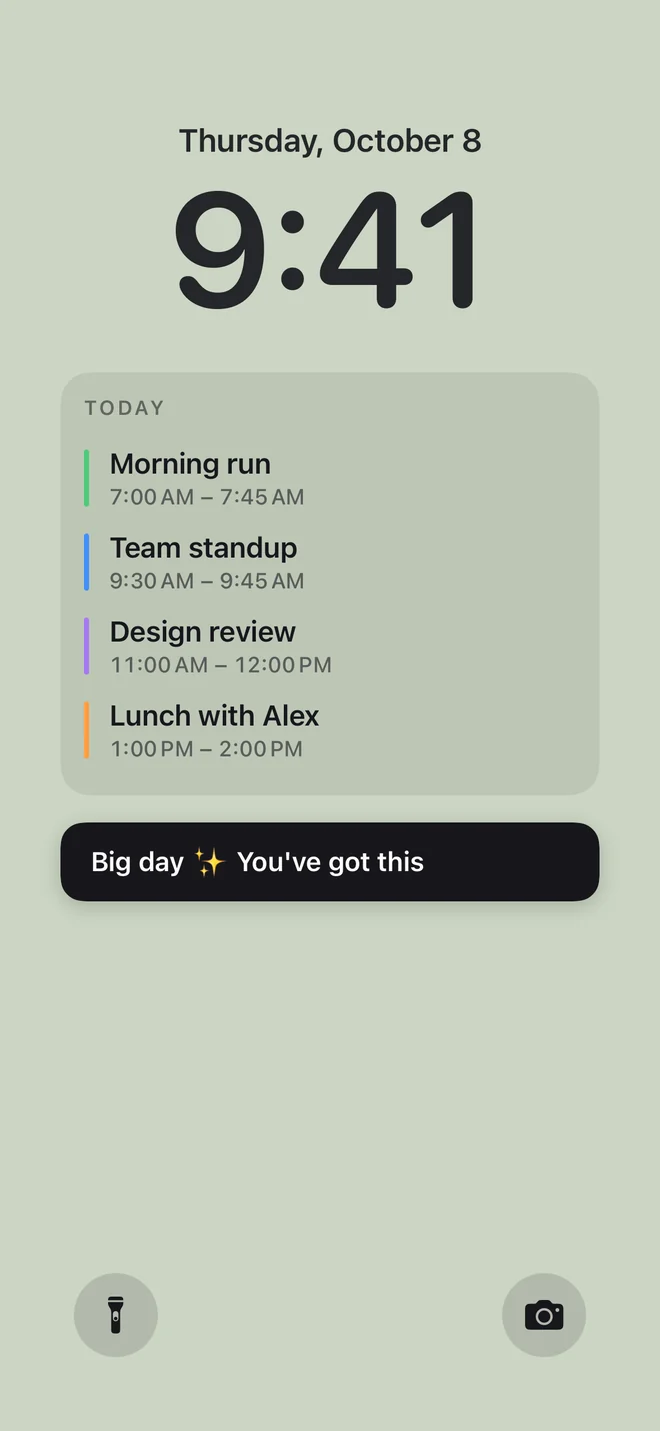
- Calendar events and Apple Reminders
- A note or list, the month, a countdown and a days-since count
- Solid colors, flexible layouts, seven text sizes and one saved design
Your daily wallpaper is included.
 Calpaper
 for iPhone
Calpaper puts today’s events and reminders on your iPhone wallpaper. See your next meeting or the thing you meant to do, without opening another app.
Free to download. No account needed.
Updates each morning with Apple Shortcuts. When plans change, tap Update in Calpaper.
Calpaper makes the wallpaper, and Apple Shortcuts puts it on your Lock Screen each morning. Setting it up takes a few minutes, and the app’s guide shows every tap.
Download it free and allow your calendars. Your day appears straight away, ready to style.
The app’s guide brings a ready-made shortcut. Tap Add Shortcut and it’s in Shortcuts, named Calpaper.
Give Calpaper a photo wallpaper of its own, pick it in the shortcut and set up the morning run. Tap Allow when Shortcuts asks.
Your day is on your Lock Screen, new every morning. Plans changed? Tap Update in Calpaper.
Learn how automatic wallpaper updates work.
Already set up? Open Calpaper and tap Update whenever your plans change.
Start with your own calendar and reminders. Upgrade if you want photos and more ways to style them.
Your daily wallpaper is included.
One purchase. No subscription.
Try Pro wallpaper styles in the app’s preview for free. Unlock Pro to use them on your Lock Screen.
Your plans stay in the apps you use. Calpaper brings them onto the screen you see every time you pick up your phone.
Wake your screen and today’s schedule is there. See what’s coming up without opening your calendar.
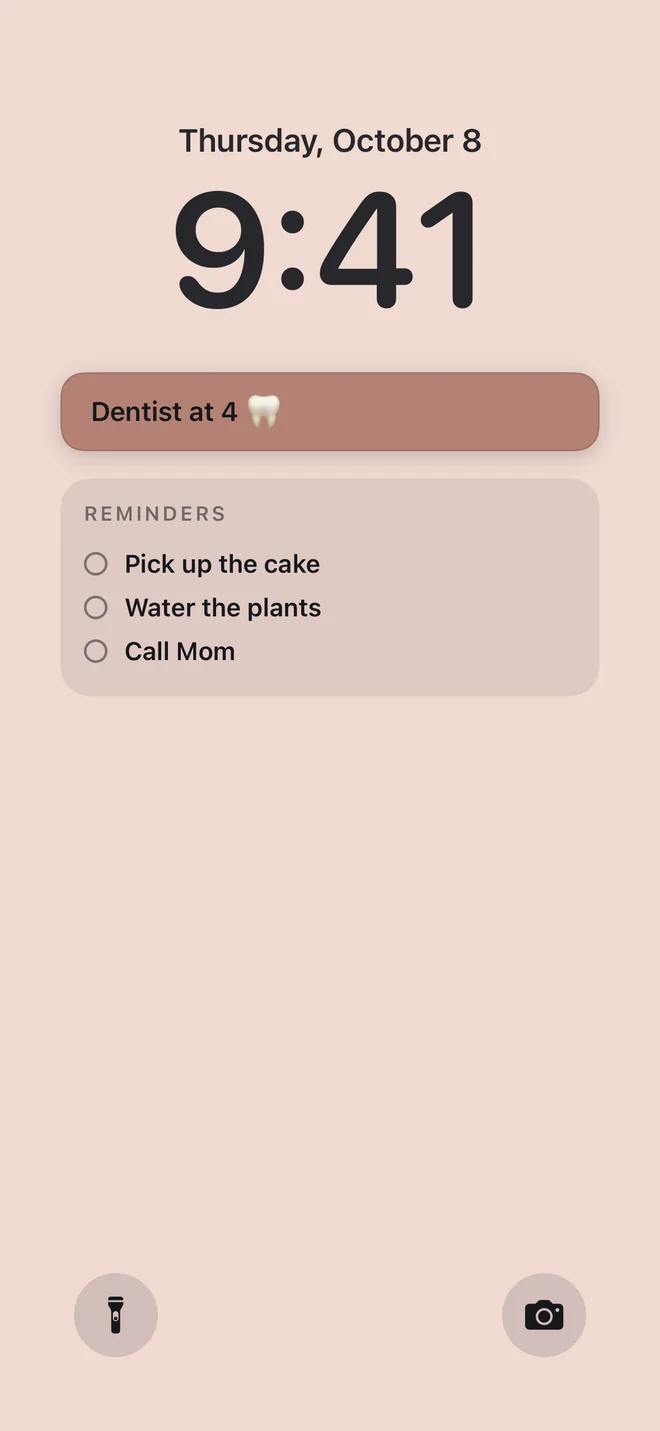
Put your chosen Apple Reminders lists beside your events, including overdue tasks and reminders without a date. Or keep a list in the note, one item a line.
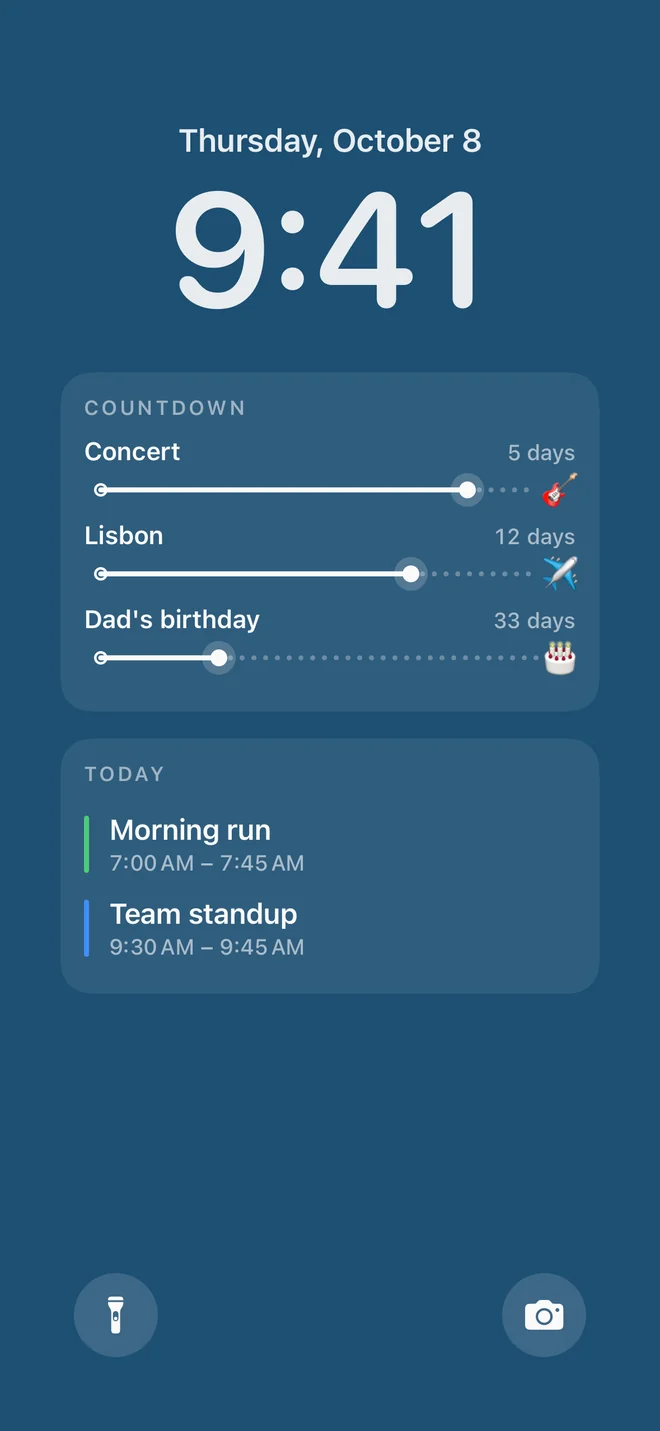
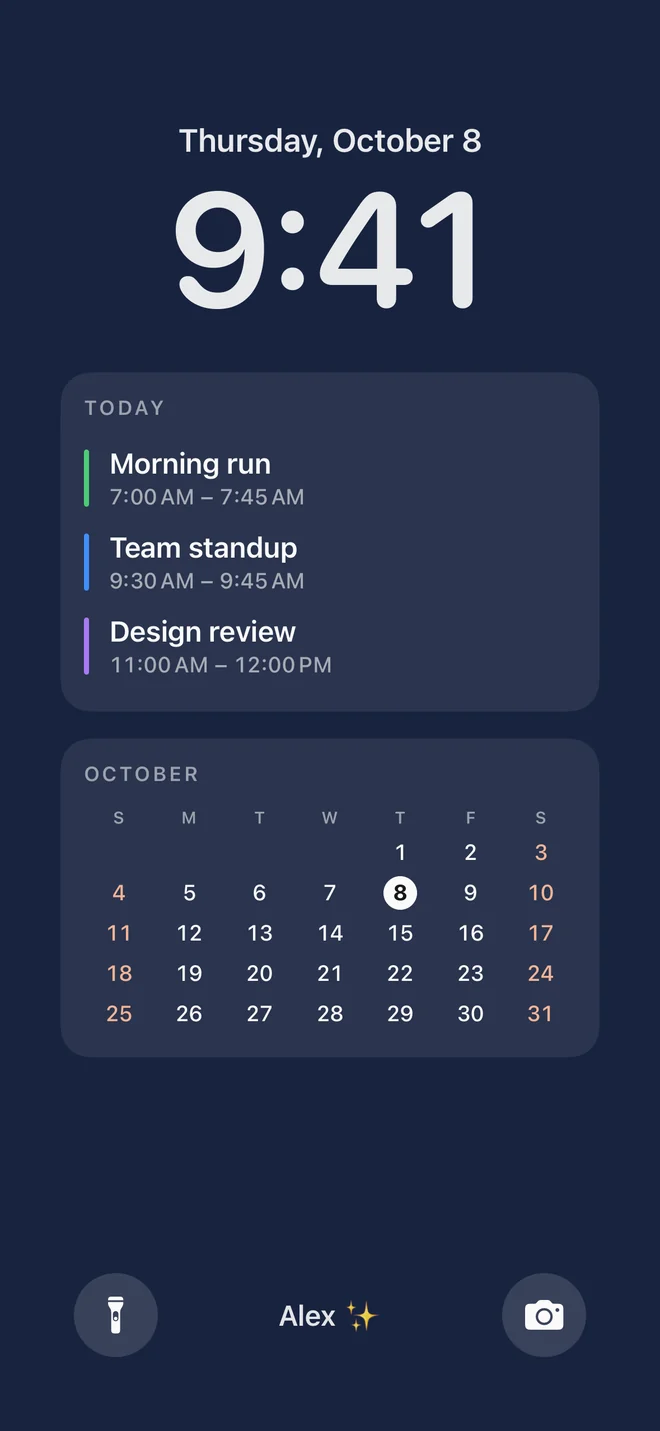
Give something you’re looking forward to a place on your Lock Screen. One countdown and one days-since count are included free.
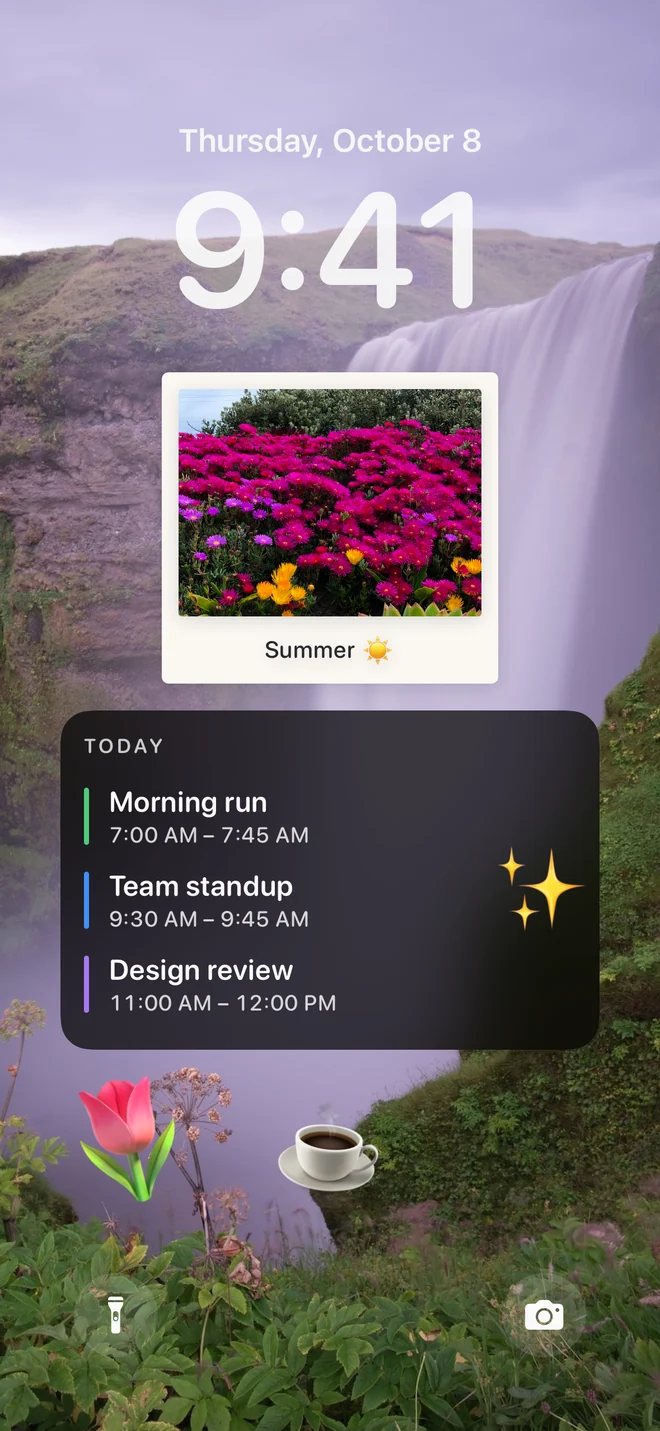
Put your plans over a photo you love, or choose a plain background. Pinch and drag the photo to frame it just right. Adjust the text size, colors and layout to suit your Lock Screen.
Solid colors are free. Photos, gradients and extra styling are part of Pro.
Need a hand? Visit support
Your wallpaper is a snapshot. Apple Shortcuts refreshes it at the time you choose each day. When plans or reminders change, open Calpaper and tap Update to refresh it now.
iOS doesn’t let apps change your wallpaper on their own. Calpaper creates the image, and Apple Shortcuts sets it as your wallpaper. Our guide walks you through the one-time setup.
Your daily wallpaper, calendar events, Apple Reminders, a note or list, the month, one countdown, one days-since count and one saved design. Solid colors, flexible layouts and seven text sizes are included too. Pro adds photos, tomorrow beside today, a week view, more styles, extra countdowns and as many saved designs as you like, with one purchase. See the app for your local price.
Your calendar, reminders, notes and photos stay on your iPhone. No account is needed. Anonymous usage stats are optional and never include that personal content. Read the privacy policy.

Calpaper is an iPhone app made by Daniel García Hernández. It has been on the App Store since 13 October 2026, in 11 languages.
Not related to CalPaper, the Windows desktop app.
From r/iphonewallpapers
For once, read the comments.
Calpaper is made by one person, Daniel. This is what people said under his posts on Reddit, and what happened when they asked for something.
What people said
It does.
16versions on the App Store between 13 Oct and 6 Nov
Requests, with receipts.
_updates wallpaper in italian_
Italiano. Parliamo.5 giorni
Chiesto 15 ottArrivato in 1.3 · 20 ott
Italian, added in version 1.3, live 20 October, 5 days after the ask.Matching Home Screen Pro2 days
Asked 18 OctAdded in 1.3 · 20 Oct
Text color Pro4 days
Asked 26 OctAdded in 1.6.1 · 30 Oct
Placement, from top to bottom16 days
First asked 15 OctAdded in 1.7 · 31 Oct
what i do is i use the shortcut in the button for the flashlight in lock screen, so you can update from the lock screen
Update from the Lock Screen0 days
Asked 5 NovNo update needed
Get it, then ask for something.
Requests go straight to Daniel: Settings › Contact us, in the app.
Comments from r/iphonewallpapers, 15 Oct–7 Nov 2026, quoted word for word; “…” marks a cut. Nobody was paid or given anything for them. Not every request has shipped yet. Want yours taken down? Write to calpaper@danielgh.info.